
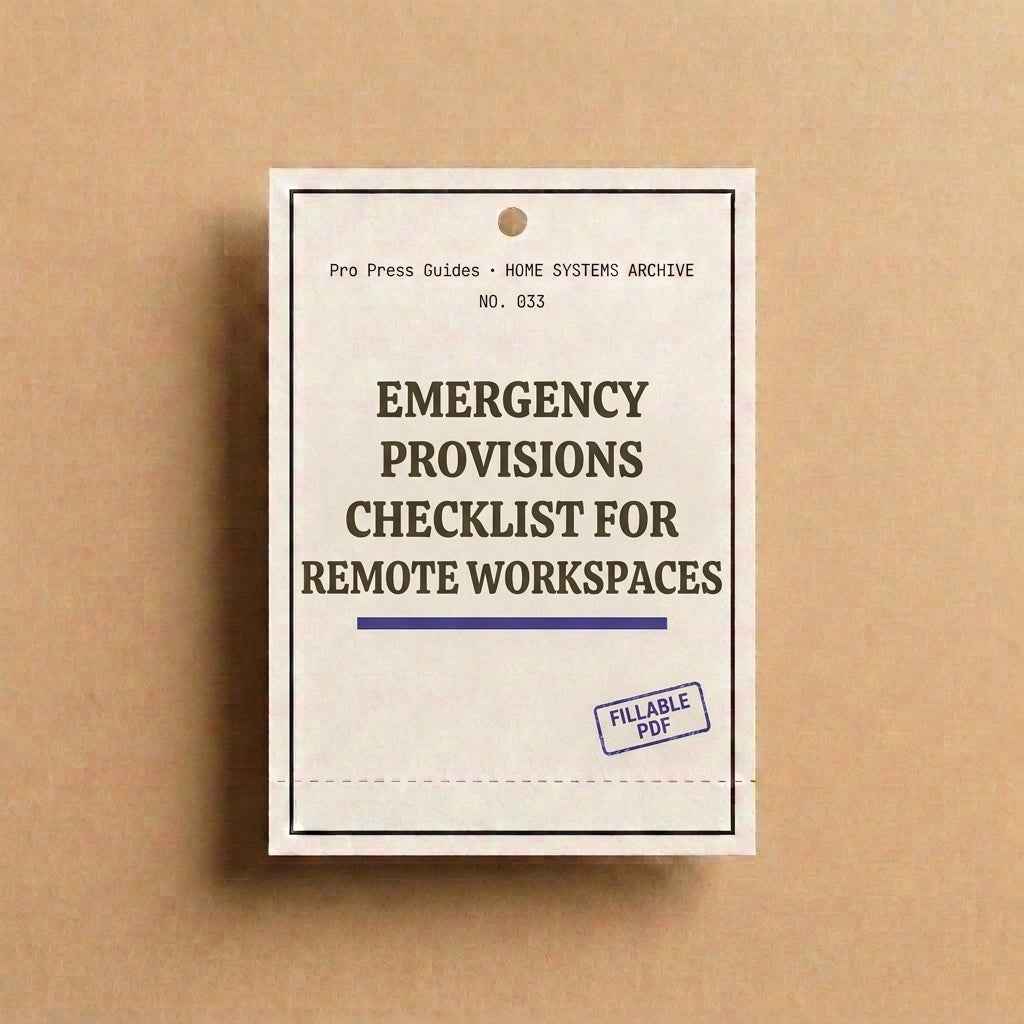
Emergency Provisions Checklist for Remote Workspaces: Your Ultimate Safety Planner
Fillable pages that turn a one-time project into a repeatable habit.
Description
Transform Disruptions into Minor Delays with Our Emergency Provisions Checklist for Remote Workspaces
Running a remote workspace requires preparation, and our Emergency Provisions Checklist ensures you’re ready for any disruption. Whether it’s a sudden power outage or a lost laptop, unexpected challenges shouldn't lead to missed deadlines and financial loss. With our 6-page fillable PDF, turn potential crises into minor delays with ease.
The checklist includes:
- Home Office Emergency Profile: Keep essential contacts and information handy.
- Emergency Supply Checklist: Covering all critical needs like power, connectivity, and safety.
- Equipment and Data Backup Inventory: Ensure no vital data goes unprotected.
- Power Outage and Connectivity Plan: Get a clear client communication strategy.
- Remote Location Safety Log: Perfect for digital nomads working from various places.
- Monthly Equipment and Supply Check: Review maintenance to avoid unexpected issues.
Fillable on any device, this PDF works seamlessly with Adobe Acrobat Reader. You can also print it to use the old-school pen-and-paper method. Prepare now, so you’re never caught off-guard.
What's included & specs
Pages: 6
Format: Fillable PDF, US Letter + A4
Delivery: Instant download link + email
Works on: iPad, desktop, phone
Common questions
Do I need special software? No — any free PDF reader with form support works.
Delivery & refunds
Files are delivered the moment payment clears. Because every guide is a digital download, all sales are final.
Three steps, no willpower required.
Choose your system
Pick the guide that matches the one part of your home actually bothering you right now.
Download & fill it in
Choose your preferred workflow. Select systems feature interactive fillable PDF fields for digital use, while others are formatted as clean, printable guides.
Build the habit
Each system includes a rotation or review page, so it repeats instead of expiring.
What customers say
Finally, a tracker that isn’t just endless empty lines expecting you to figure out the system yourself. These give you a clear guide from step one.
David K.I was skeptical about buying another PDF planner, but having actual fillable fields on my iPad completely changed how I track our pantry stock.
Sarah M.Super clean design and actually useful.
Elena R.